
Welcome! This tutorial assumes you have the version of Peggle Nights on Steam. It typically goes for $0.99 on sale, so catch it when it is!
If you don't own Peggle Nights, follow this tutorial to download Pego and Pego Fingers for FREE.
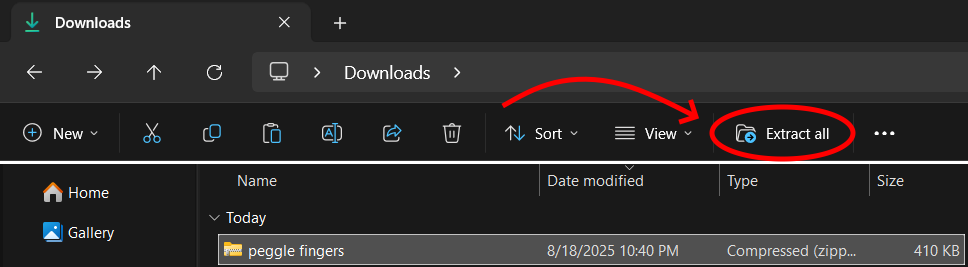
Download the ZIP files containing all mod files here. Unzip this file using file explorer.
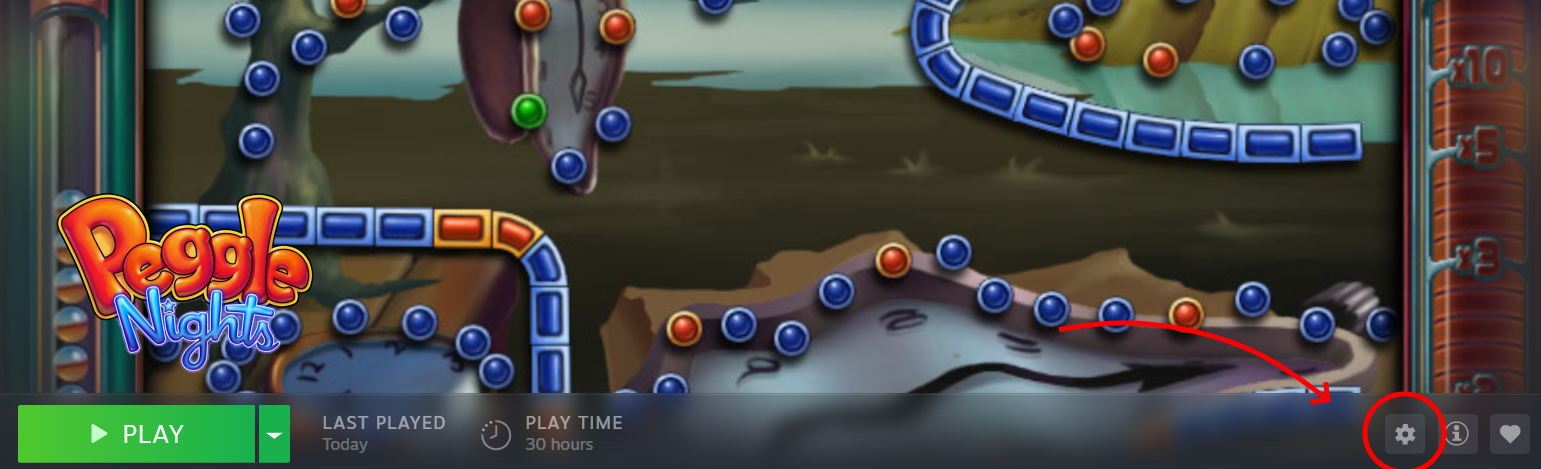
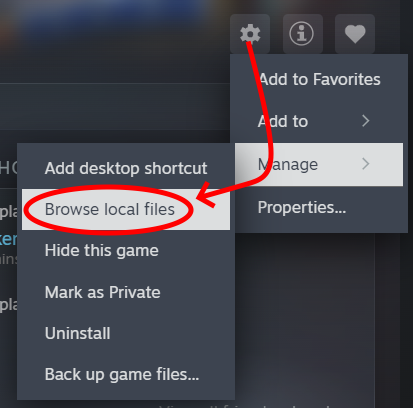
Navigate to Peggle Nights in your Steam library. You should see a settings gear. Click on it to access the dropdown menu. Go from Manage > Browse Local Files
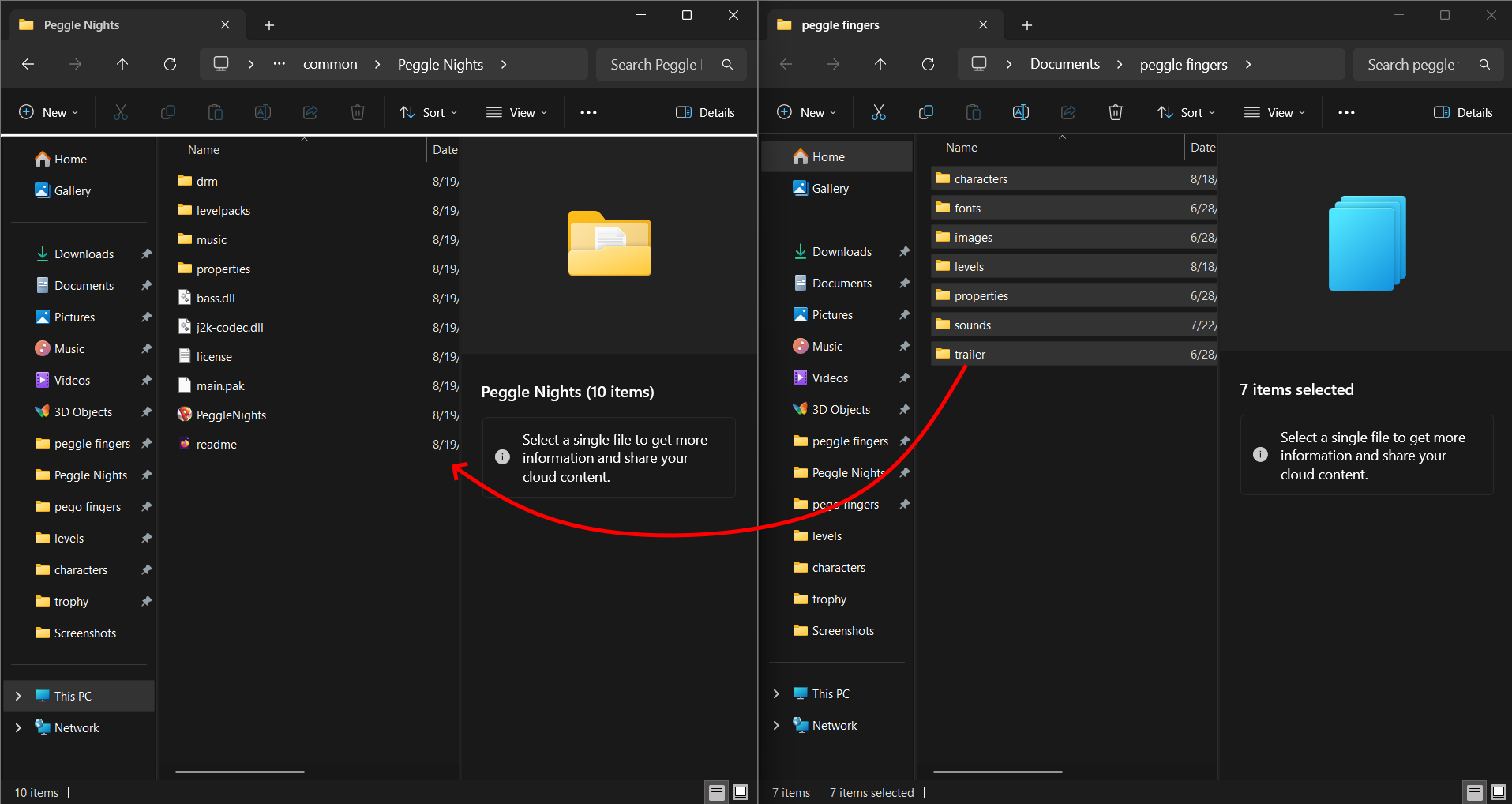
File Explorer should open up. You need to move the files from the zipped folder into this directory. Replace any existing files.
Locate main.pak in the file directory. Rename this file to "main.pak.bak". Ignore the windows popup.

You should now have Peggle Fingers installed. Enjoy!
If there are any issues, contact me.